
Installing a Digital Lock
Installing a Digital Lock: A Step-by-Step Guide

Aug
In today’s fast-paced world, digital locks offer a convenient and secure way to protect your home or office. Whether you’re upgrading your security system or simply replacing an old lock, installing a digital lock can be a straightforward process. Follow this step-by-step guide to ensure a successful installation.
Tools and Materials Needed
Before you begin, gather the following tools and materials:
- Digital lock kit (includes the lock, screws, and installation manual)
- Screwdriver (Phillips and flathead)
- Drill (if needed for new holes)
- Tape measure
- Level
- Pencil
- Safety goggles
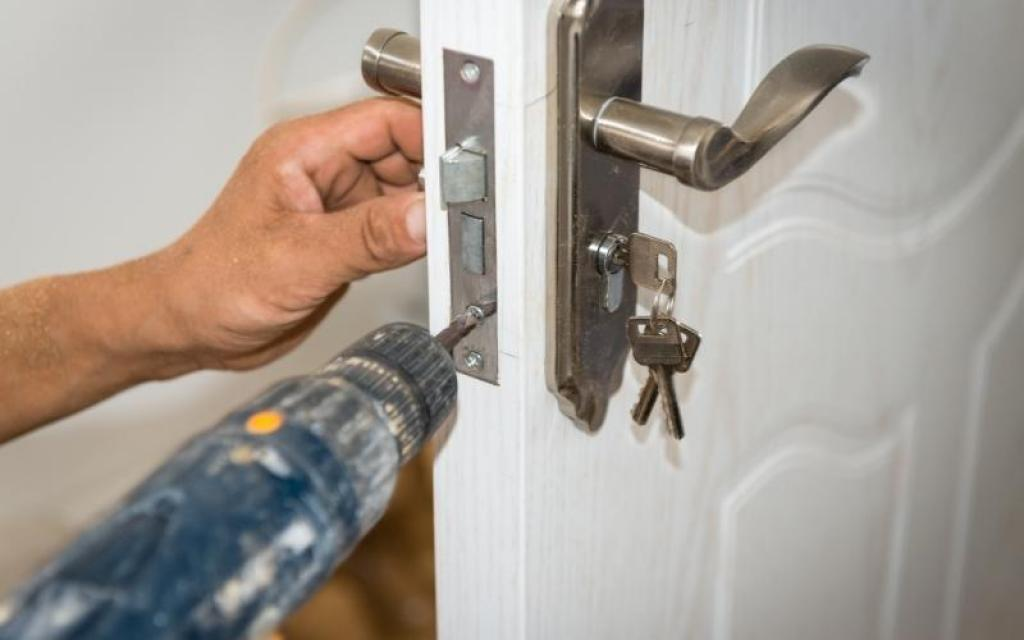
Step 1: Remove the Old Lock
- Unscrew the Existing Lock: Using a screwdriver, remove the screws from the interior and exterior sides of your old lock.
- Take Out the Lock Cylinder: Once the screws are removed, gently pull the lock cylinder out of the door.
- Clean the Area: Wipe down the area where the new lock will be installed to ensure a clean surface.
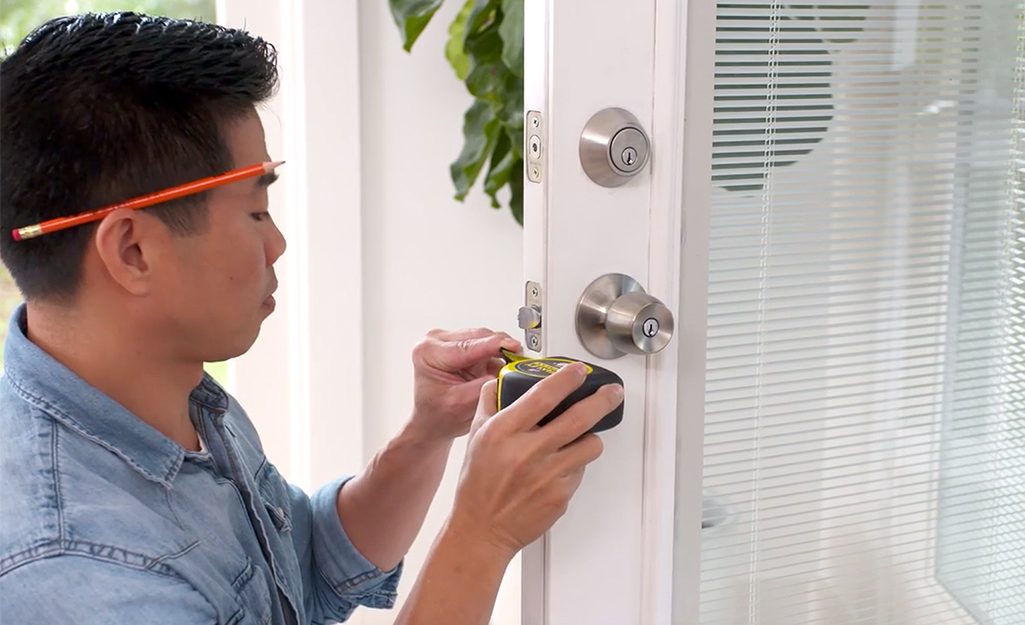
Step 2: Prepare the Door
- Check the Door Thickness: Measure the thickness of your door. Most digital locks are designed to fit standard door sizes, but it’s important to verify.
- Ensure the Door is Level: Use a level to check if your door is straight. If not, make necessary adjustments.

Step 3: Install the Digital Lock
- Follow the Manufacturer’s Instructions: Each digital lock may have slightly different installation steps. Refer to the manual included in your lock kit for specific guidance.
- Insert the Lock Cylinder: Place the digital lock cylinder into the hole in the door. Ensure it fits snugly and is aligned correctly.
- Secure the Lock: Use the provided screws to attach the lock to the door. Start with the exterior side, followed by the interior side. Tighten the screws firmly but be careful not to overtighten.
- Install the Keypad or Control Panel: If your lock comes with a keypad or control panel, follow the instructions to attach it to the exterior side of the door.

Step 4: Program the Digital Lock
- Power the Lock: Insert batteries (if applicable) or connect the lock to a power source as per the manufacturer’s instructions.
- Set Up Your Access Codes: Follow the instructions to program your access codes, fingerprints, or smartphone app. Most digital locks allow multiple user codes, so you can share access with family or staff.
- Test the Lock: After programming, test the lock several times to ensure it works smoothly. Enter your code or use the app to unlock the door.

Step 5: Finalize the Installation
- Check the Alignment: Ensure that the lock aligns properly with the strike plate on the door frame. Make adjustments if necessary.
- Secure the Strike Plate: If your digital lock came with a new strike plate, install it according to the manufacturer’s guidelines.
- Double-Check Everything: Review all screws, codes, and alignments to ensure everything is securely installed and functioning.
Conclusion
Installing a digital lock is a manageable DIY project that significantly enhances the security of your home or office. By following these steps, you can enjoy the convenience and peace of mind that comes with modern locking technology.
For top-of-the-line digital locks, consider Starke Digital Locks Singapore. Our award-winning, German-designed locks provide the highest level of security and convenience. Visit us at Starke Digital Locks Singapore or call +65 8875 4074 for more information!

